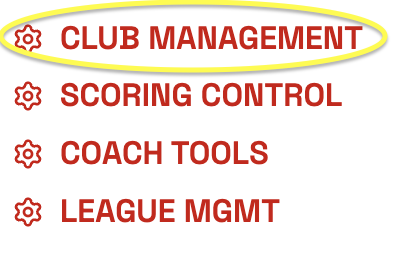
Step 1: From MY ACCOUNT - click on CLUB MANAGEMENT
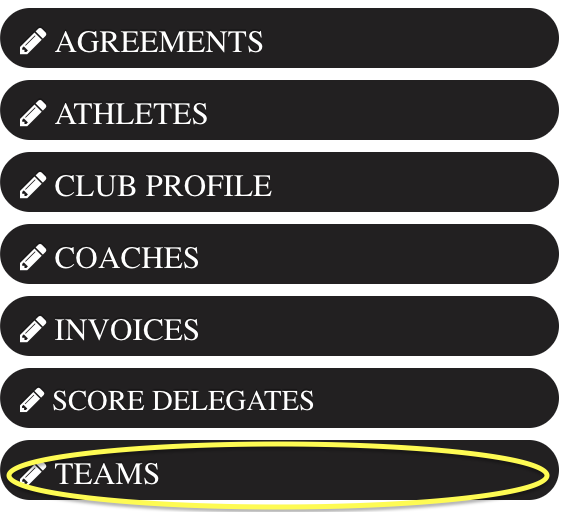
Step 2: Select TEAMS
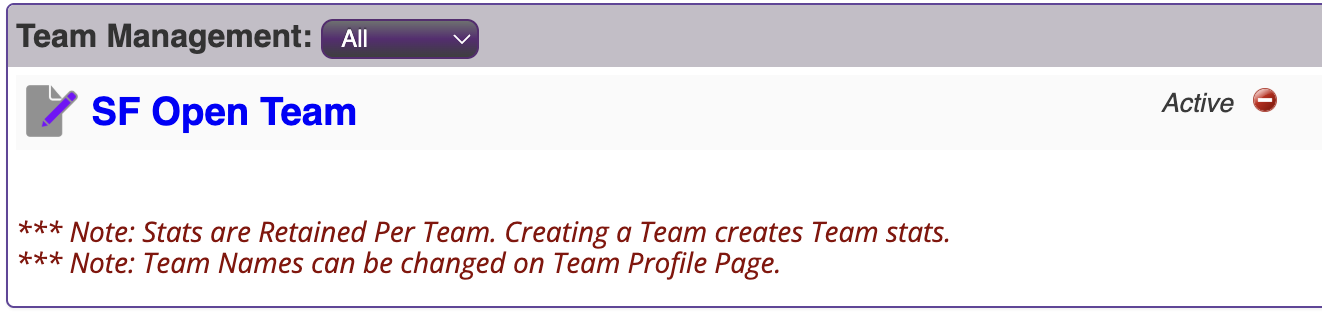
Step 3: Select the edit button next to your team from under Team Management 
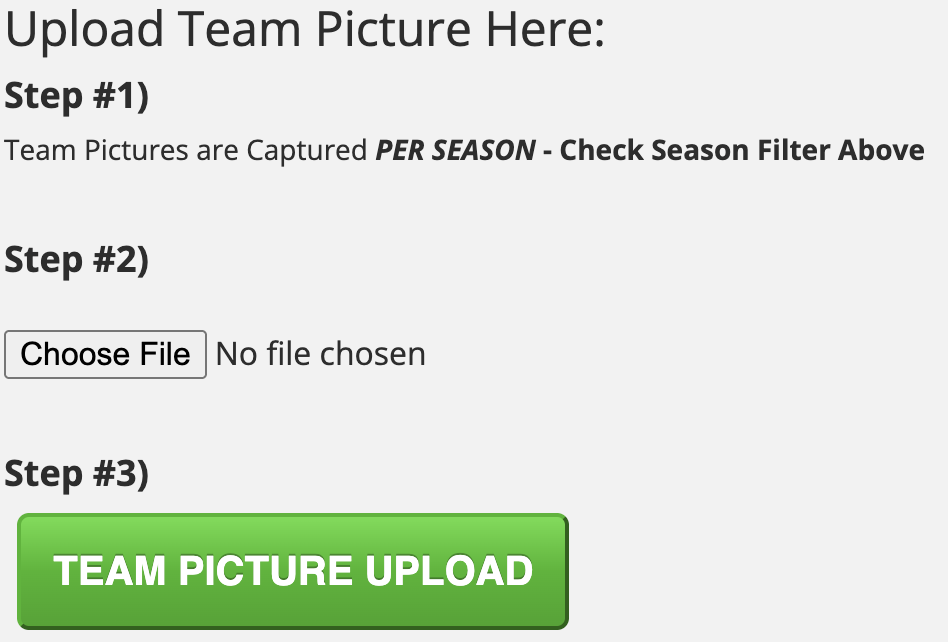
Step 4: Upload your team picture. Once all three steps are complete, click SAVE TEAM UPDATES.
****NOTE*** WHENEVER YOU UPLOAD A NEW PHOTO – YOU NEED TO REFRESH THE CACHE IN YOUR BROWSER. You may think your new photo didn’t upload, but you must refresh the Cache first to see the new photo.
***CLICK CONTROL+SHIFT+R*** (on a mac COMMAND+SHIFT+R)
Was this article helpful?
That’s Great!
Thank you for your feedback
Sorry! We couldn't be helpful
Thank you for your feedback
Feedback sent
We appreciate your effort and will try to fix the article