** You must be a Club Manager to do this task.
** Only Registered and Paid teams can assign coaches.
Step 1: Login at ScoreFlippers.com
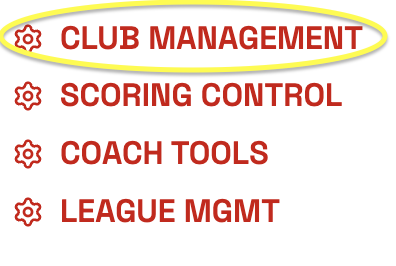
Step 2: Choose your association - Select the CLUB MANAGEMENT Tab.
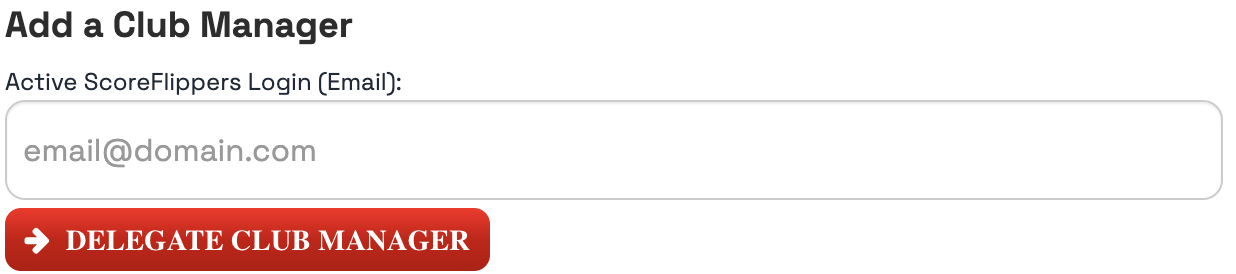
Under the Club Managers box enter in the email address of the person you want to have access. (Remember they must have a ScoreFlippers free account.)
Click DELEGATE CLUB MANAGER.
Another option is to email us at flipdesk@scoreflippers.com, please include your name, what association you are with and club. We can then get you added as a Club Manager.
Was this article helpful?
That’s Great!
Thank you for your feedback
Sorry! We couldn't be helpful
Thank you for your feedback
Feedback sent
We appreciate your effort and will try to fix the article