** You must be a Club Manager to do this task.
Step 1: Login at ScoreFlippers.com
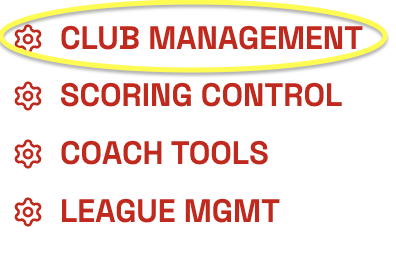
Step 2: Choose your association - Select the CLUB MANAGEMENT Tab.
Step 3: Click SCORE DELEGATES on the left side.
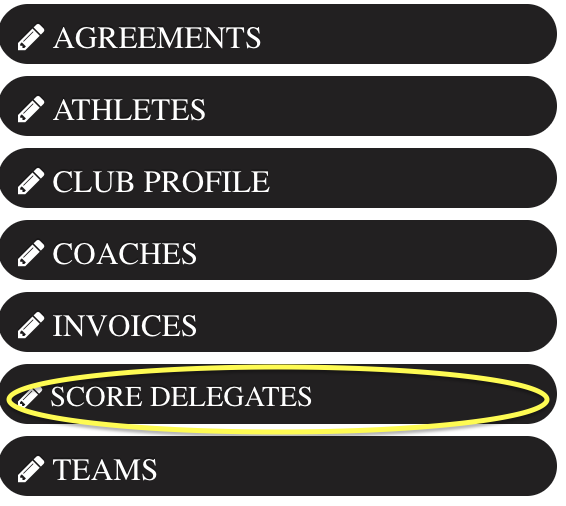
Add an email under Delegate SCORING Control. *Reminder they must have a Free ScoreFlippers Account. This will allow this person to edit meet settings and enter scores. This will not give them access to view any financials.

Was this article helpful?
That’s Great!
Thank you for your feedback
Sorry! We couldn't be helpful
Thank you for your feedback
Feedback sent
We appreciate your effort and will try to fix the article