Make sure you are logged in
Step 1: Click on SCORING

Step 2: Then MEET SCORING Control - click on the SCORING CONTROL for the meet you are looking to add athletes to.


Step 3: Click the ATHLETES button across the top tool bar

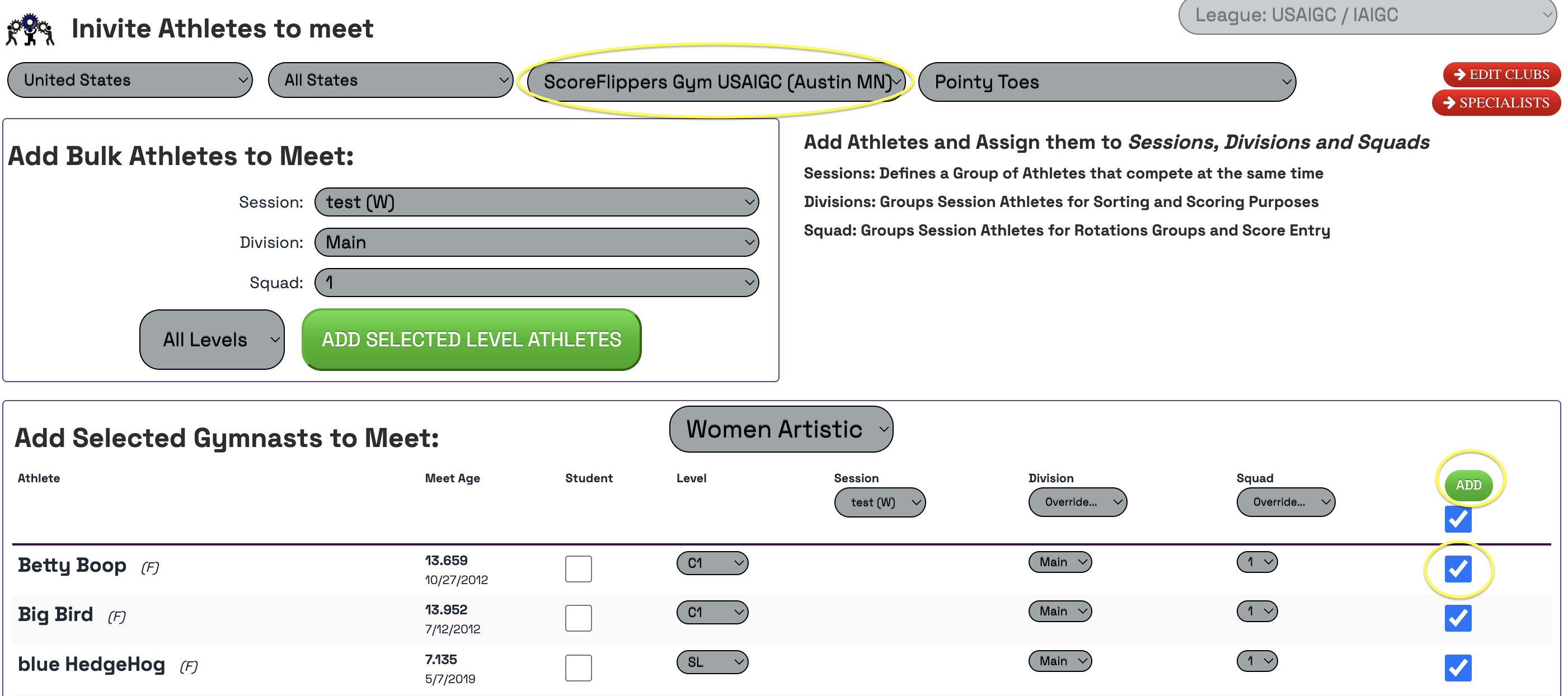
Choose the club you are looking to add.
Check the box to the right of the athlete then click ADD when you have selected all of them.
Was this article helpful?
That’s Great!
Thank you for your feedback
Sorry! We couldn't be helpful
Thank you for your feedback
Feedback sent
We appreciate your effort and will try to fix the article