Step 1: Start by logging in at ScoreFlippers.com - then going to MY Account.
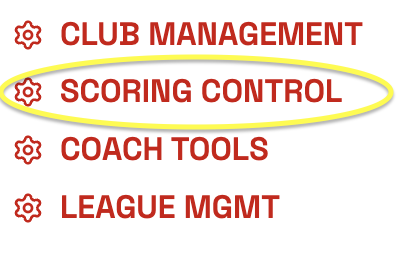
Step 2: Click SCORING CONTROL (if you don't see SCORING CONTROL, please email us your name, your association and your gym at flipdesk@scoreflippers.com so we can assign you access.)
Step 3: Click SCORE A MEET

Step 4: You will need to fill out the meet information, then click NEXT-ADD SESSIONS.

Step 5: You will need to add at least one session (You can add more sessions and adjust the time later if you don't know how many there will be yet). Choose the date and time details. Now click ADD THIS SESSION TO THE MEET.

Step 6: Click FINISH CREATING THE MEET

Step 7: This will pop up a payment screen where you will pay the $50. (the meet will cost $50 unless you have more than 5,000 athletes. If more than 5,000 athletes, the cost will be $1 per athlete over 5,000)
Step 8: Now you have a meet. You will need to open SCORING CONTROL one more time. Find the meet you created and click SCORING CONTROL next to meet you need to add athletes/teams to.
Step 9: Follow these steps on How to Add Athletes to a Meet.
Was this article helpful?
That’s Great!
Thank you for your feedback
Sorry! We couldn't be helpful
Thank you for your feedback
Feedback sent
We appreciate your effort and will try to fix the article