Step 1: Open your browser to ScoreFlippers.com
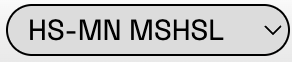
Step 2: Login (Top Right), which will take you to your MY Account page, then select your Association in the drop down on the top left.
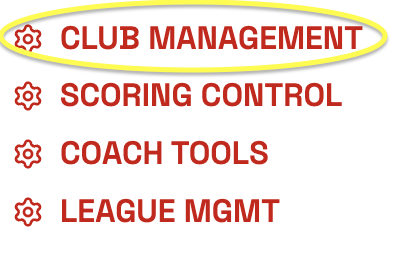
Step 3: Click the CLUB MANAGEMENT button.
Step 4: On the right side of the screen you will find a box labeled SCORING License, click the ADD SEASON SCORING LICENSE
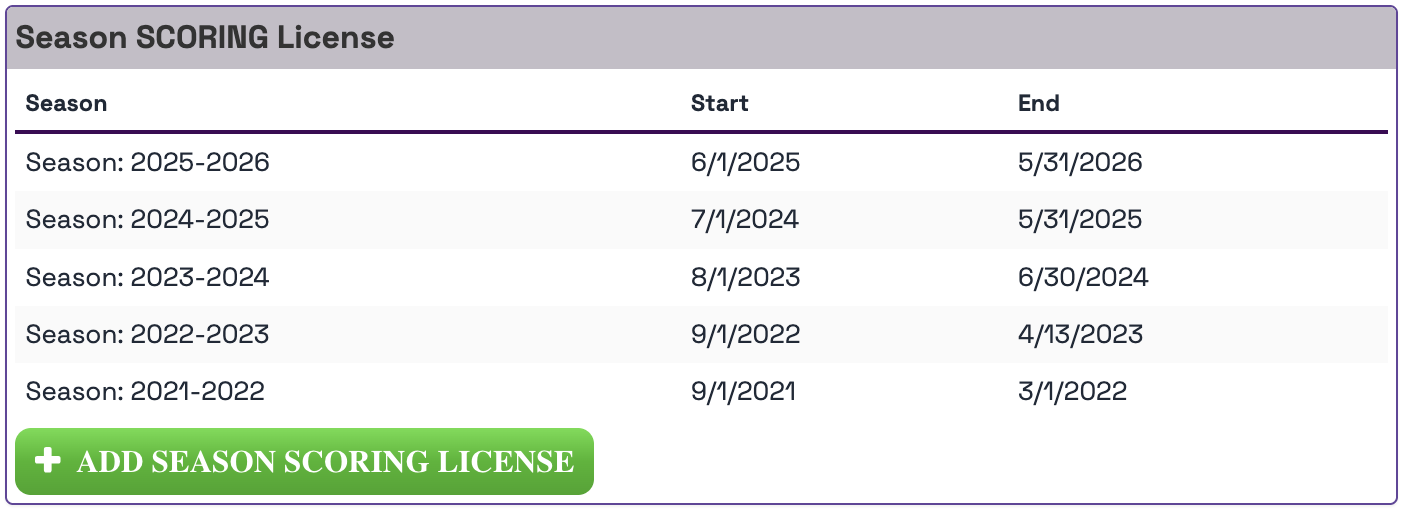
**NOTE - If you need an invoice to turn in, click the PDF button to the right of PURCHASE button to print an invoice.

Step 5: Find the PURCHASE button related to the upcoming season dates.
Step 6: Select ADD A PAYMENT METHOD
Add New Credit Card or Add New Bank Account
Or
If credit card information is correct - PROCESS PAYMENT
Upon completed Payment, the screen will show “purchased” status. The purchase user will be granted immediate access to the gym as a Club Manager permission.
Was this article helpful?
That’s Great!
Thank you for your feedback
Sorry! We couldn't be helpful
Thank you for your feedback
Feedback sent
We appreciate your effort and will try to fix the article