** You must be a Club Manager to do this task.
** Only Registered and Paid teams can assign coaches.
Step 1: Login at ScoreFlippers.com
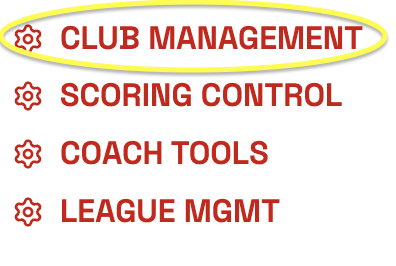
Step 2: Choose your association - Select the CLUB MANAGEMENT Tab.
Step 3: Click Coaches on the left side.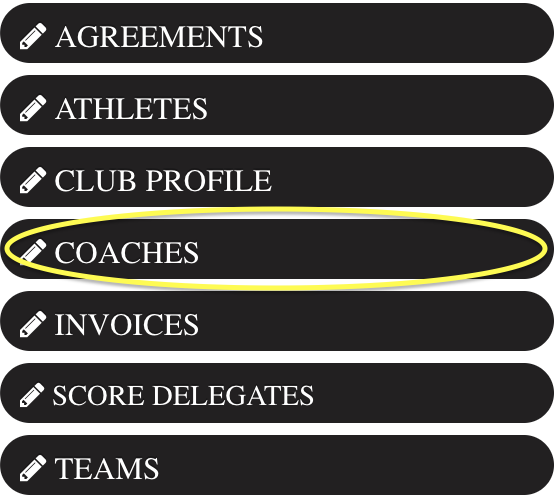
If your coach is not listed add them by CONNECT COACH TO CLUB under Club Coaches. Then on the right - Link Coach to a Specific Team.
-- From here you can delete a coach from a team with the red circle with a line through it under Coach TEAM Assignments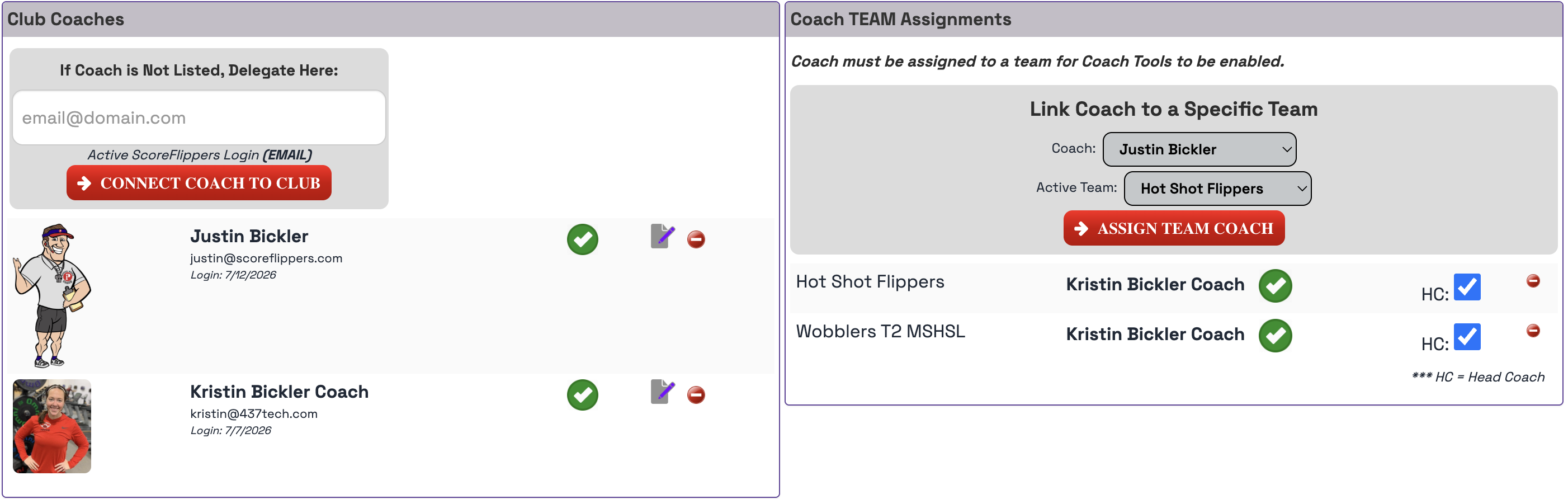
Was this article helpful?
That’s Great!
Thank you for your feedback
Sorry! We couldn't be helpful
Thank you for your feedback
Feedback sent
We appreciate your effort and will try to fix the article