Step 1: Go to ScoreFlippers.com - Log in
Step 2: Click Club Management
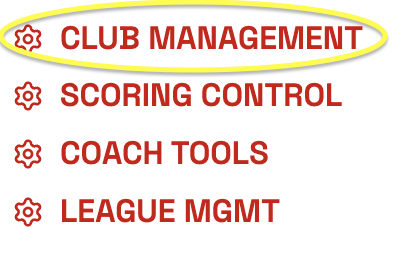
Step 3: Click the Edit button towards the left of the screen under MANAGE CLUB PROFILE

Edit details as appropriate (address, email addresses, web site, phone number).
Step 4: Upload Club Logo - Scroll down the page to update logo.
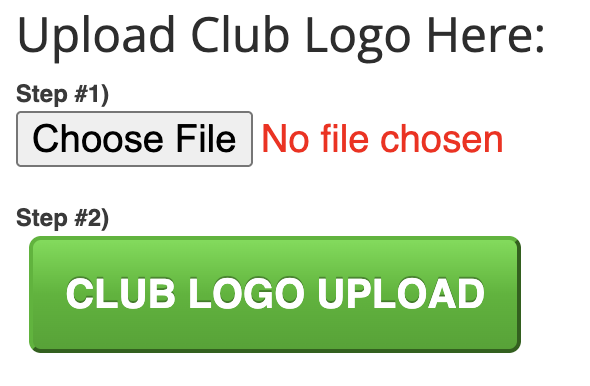
****NOTE*** WHENEVER YOU UPLOAD A NEW PHOTO – YOU NEED TO REFRESH THE CACHE IN YOUR BROWSER. You may think your new photo didn’t upload, but you must refresh the Cache first to see the new photo.
***CLICK CONTROL+SHIFT+R*** (on a mac COMMAND+SHIFT+R)
Was this article helpful?
That’s Great!
Thank you for your feedback
Sorry! We couldn't be helpful
Thank you for your feedback
Feedback sent
We appreciate your effort and will try to fix the article