Step 1: Login - MY ACCOUNT - choose your association on the top left.
If you do not have a login, Create a Free ScoreFlippers Account.
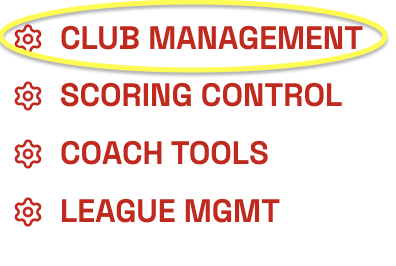
Step 2: Click on CLUB MANAGEMENT
Step 3: Click the PAY CLUB/LEAGUE SEASON FEE/MEMBERSHIP button

Step 4: Make sure your gym/the gym you want to pay for is selected in the drop down. Then find the current season and click PURCHASE.
Step 5: Follow the instructions to PROCESS PAYMENT.
**If you are not listed as a Club Manager you will not be able to do this. To become a Club Manager you can email your association leaders and let them know your name and email and which club you would like to be added to. Or you can ask a current Club Manager to add you.
Was this article helpful?
That’s Great!
Thank you for your feedback
Sorry! We couldn't be helpful
Thank you for your feedback
Feedback sent
We appreciate your effort and will try to fix the article