Step 1: Open the ATHLETES tab on your meet and select DIVISION BALANCER.
Step 2: Click the checkbox of the level that you want to split. In the Step #3 box type in the number of groups you want that level split in to. Click GENERATE SIMULATION. (these will split the athletes based on age.)
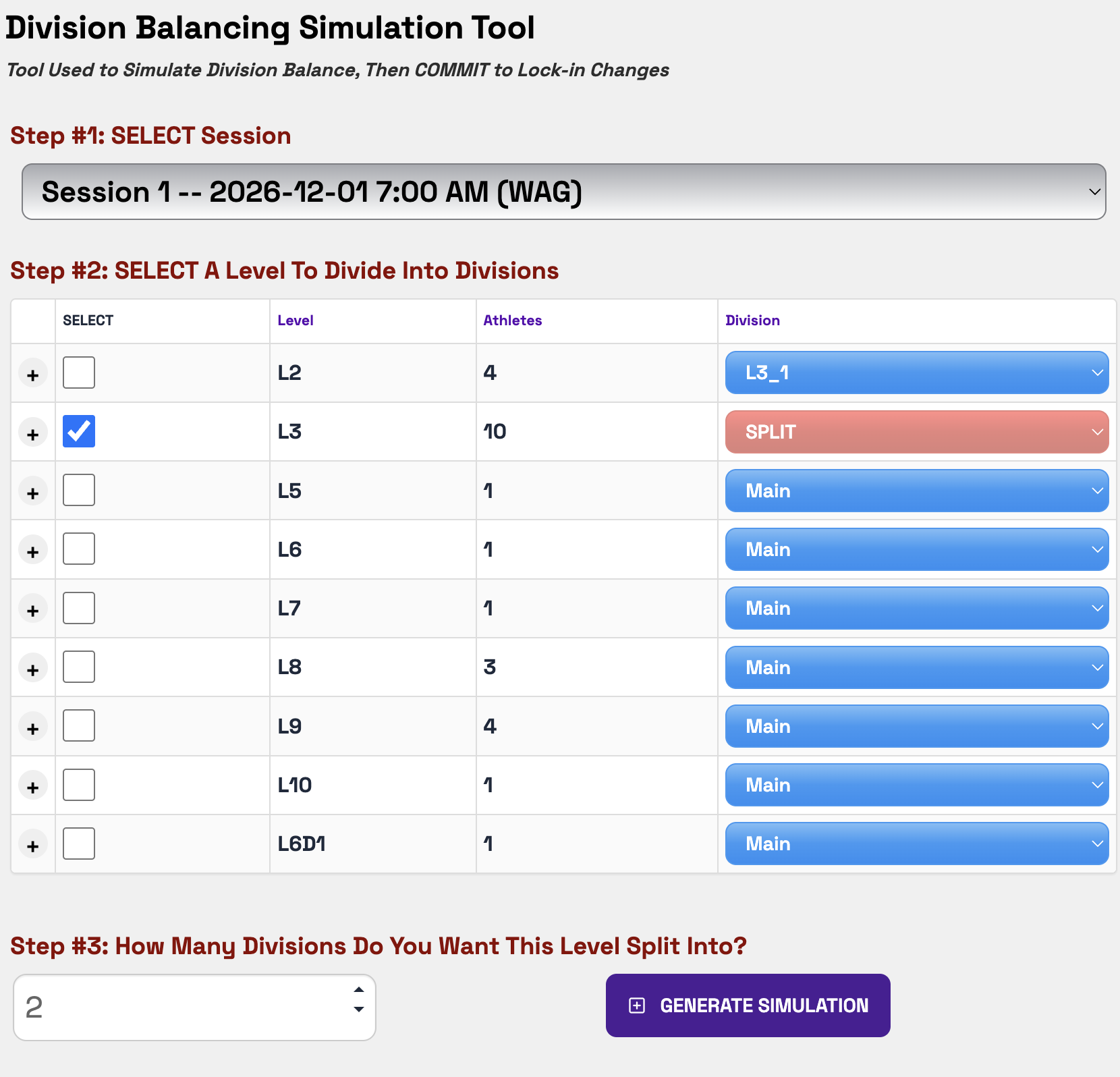
Step 3: Check out the Simulation Results. If you like it you can click COMMIT DIVISION SIMULATION or you can delete them by click the red radio button to the right of each of the groups you made.
Step 4: Continue these steps for all for all of the levels you want split.
**Note: You can edit the names of the Divisions (Age Groups) under the SESSION tab. Open the session you want to edit, you will find the Divisions on that screen.
Was this article helpful?
That’s Great!
Thank you for your feedback
Sorry! We couldn't be helpful
Thank you for your feedback
Feedback sent
We appreciate your effort and will try to fix the article