Step 1: Log in - MY ACCOUNT, then click SCORING CONTROL on the left hand side. If you are already logged in and working in ScoreFlippers - Click on MY ACCOUNT to bring you back to your home page. Or from the top of your screen you can click on SCORING - MEET SCORING Control.
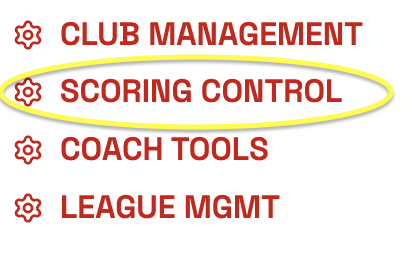 Step 2: Find your Meet and click SCORING CONTROL.

Step 3: Click Athletes on the top of the screen.

Step 4:
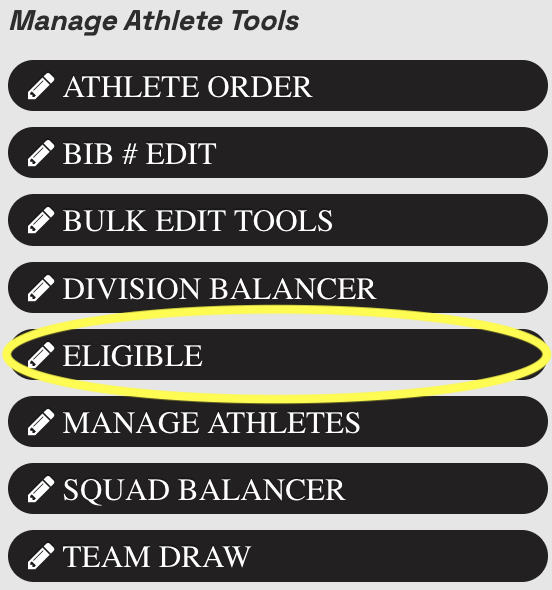
Click on ELIGIBLE on the left side.
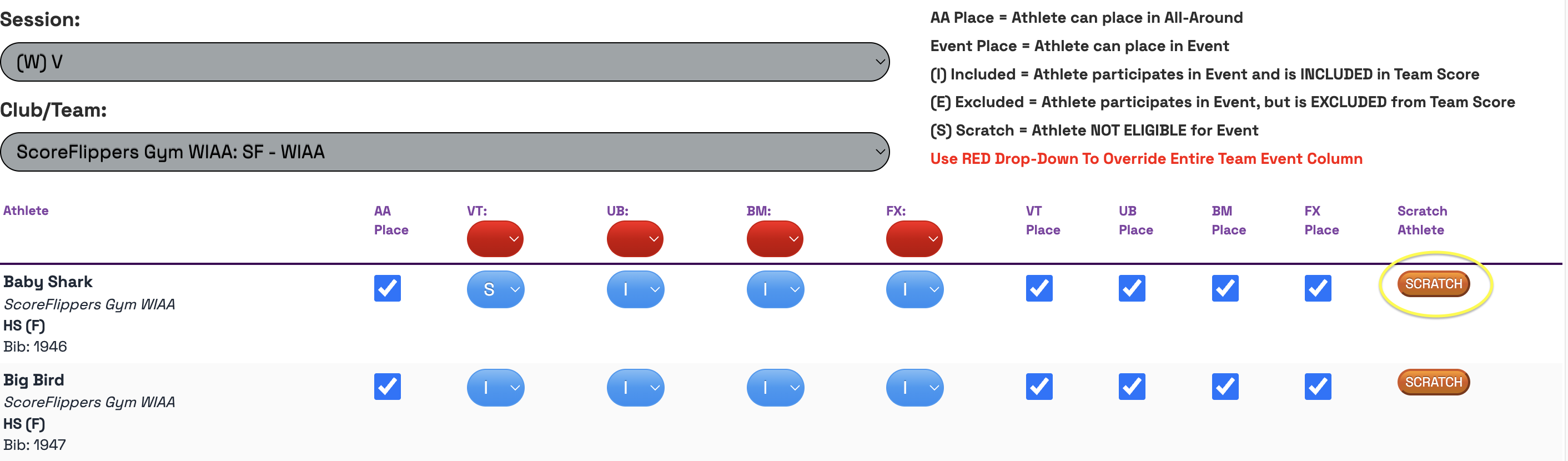
Step 5: You can search by your session and by Club/Team. Find your athlete and on the right hand side click "SCRATCH".
Was this article helpful?
That’s Great!
Thank you for your feedback
Sorry! We couldn't be helpful
Thank you for your feedback
Feedback sent
We appreciate your effort and will try to fix the article