Step 1: Log in - MY ACCOUNT - click on SCORING CONTROL.
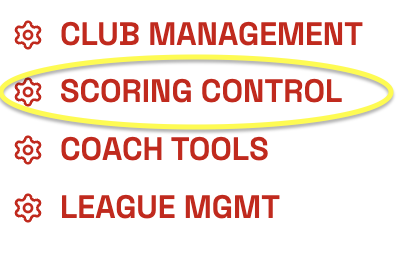
Step 2: Find your meet and click on SCORING CONTROL.

Step 3: Click Athletes on the top of your screen.

Step 4: In the second drop down box, select the team you would like to add to the meet. Once they are selected click ADD TEAM TO THE MEET. You can add multiple teams from this screen. On the right side of the screen it will show the team roster.
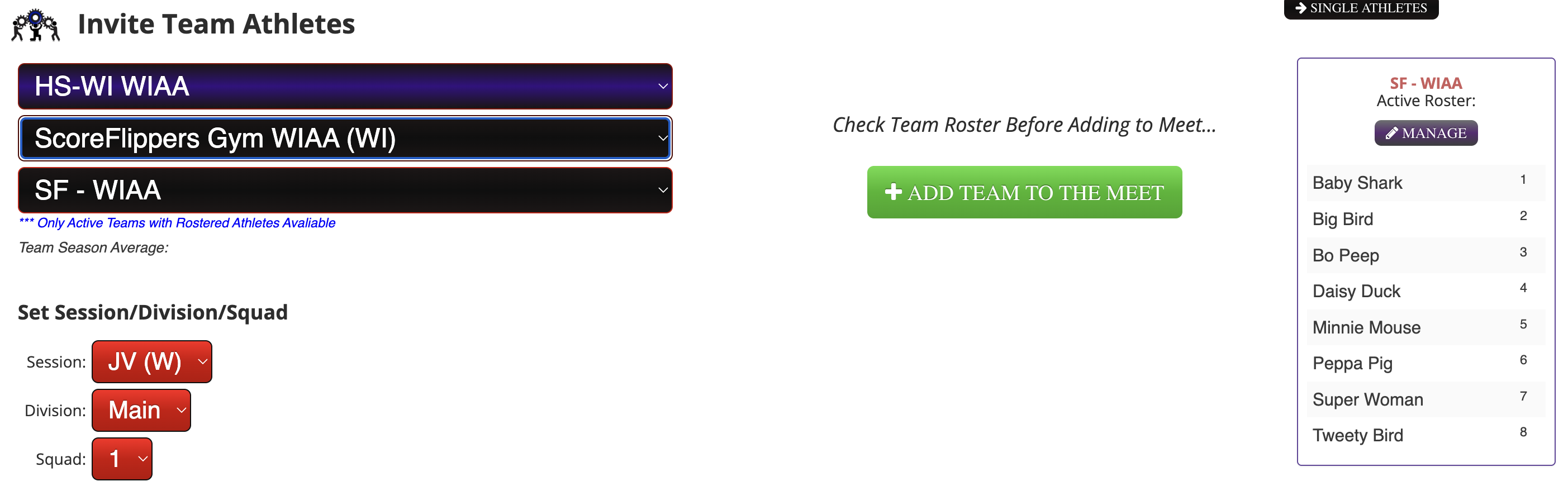
If you aren't seeing an athlete on the roster - you can add an athlete by clicking MANAGE then How to Register a New Athlete / Existing Athlete - Start at Step 3.
**If you think there's been an edit to a roster that isn't showing in your meet, simply click the RE-SYNC button and it will populate the new information.

Was this article helpful?
That’s Great!
Thank you for your feedback
Sorry! We couldn't be helpful
Thank you for your feedback
Feedback sent
We appreciate your effort and will try to fix the article