Step 1: Log in - MY ACCOUNT
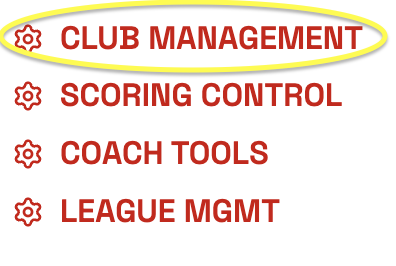
Step 2: Click CLUB MANAGEMENT
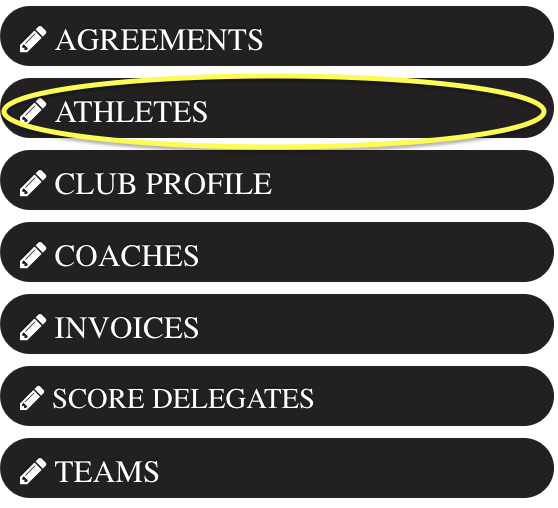
Step 3: Click Athletes on the left.
Step 4: Click REGISTER NEW ATHLETE

Step 5: Search for an athletes first and last name
- If an athlete is currently in ScoreFlippers their name will appear below. Please verify first name, last name and date of birth.
**We use birthdays to differentiate between athletes with the same name.
** Some high school athletes might be in the system with the wrong birthday - you can check their profile to see which high school or club team they competed with the last season.
Select Blue radio button next to name and click I SELECTED MY ATHLETE - CONTINUE REGISTRATION

- If NOT found, click NO ATHLETE MATCH - REGISTER NEW ATHLETE

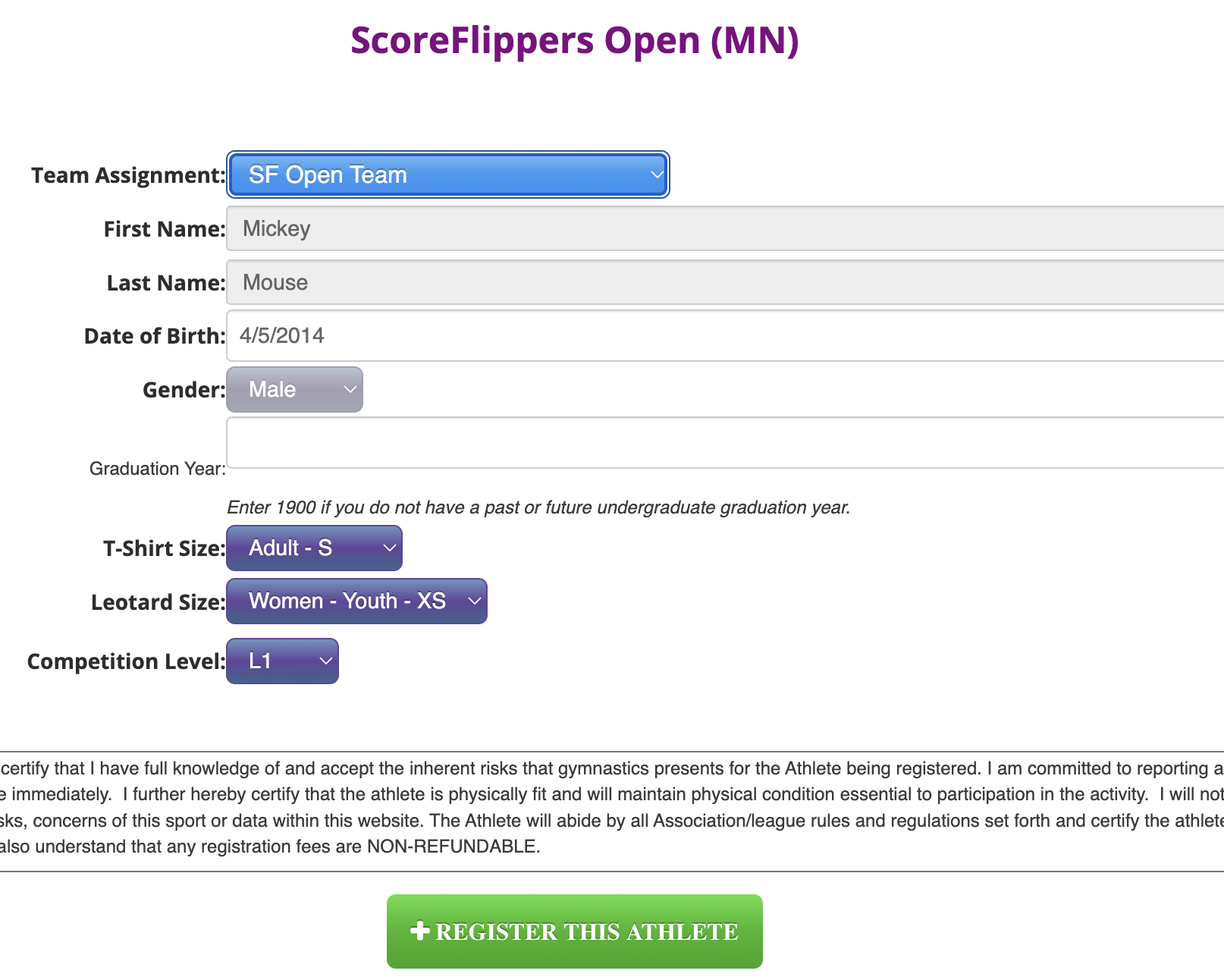
Step 5: (If athlete NOT found) Fill out the correct information and click REGISTER THIS ATHLETE.
Was this article helpful?
That’s Great!
Thank you for your feedback
Sorry! We couldn't be helpful
Thank you for your feedback
Feedback sent
We appreciate your effort and will try to fix the article