Step 1: Log In - MY ACCOUNT, click SCORING CONTROL.
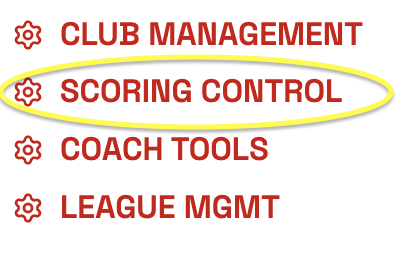
Step 2: Click on SCORING CONTROL on the meet you are looking to print the QR code for.

Step 3: On the top right of the Meet Settings page, click the box that states, GET QR CODE to LIVE SCORING.
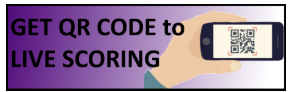
Step 4: This will create a form you can download or print for your meet.
**The link to this QR code takes fans directly to the scoring page.
Was this article helpful?
That’s Great!
Thank you for your feedback
Sorry! We couldn't be helpful
Thank you for your feedback
Feedback sent
We appreciate your effort and will try to fix the article