Step 1: Login - MY ACCOUNT - click on SCORING CONTROL
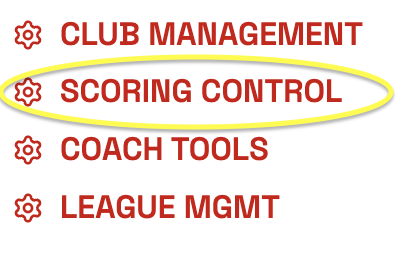
Step 2: Click on SCORING CONTROL for the meet you are looking to add teams to.

Step 3: Click on ATHLETES on the right side.

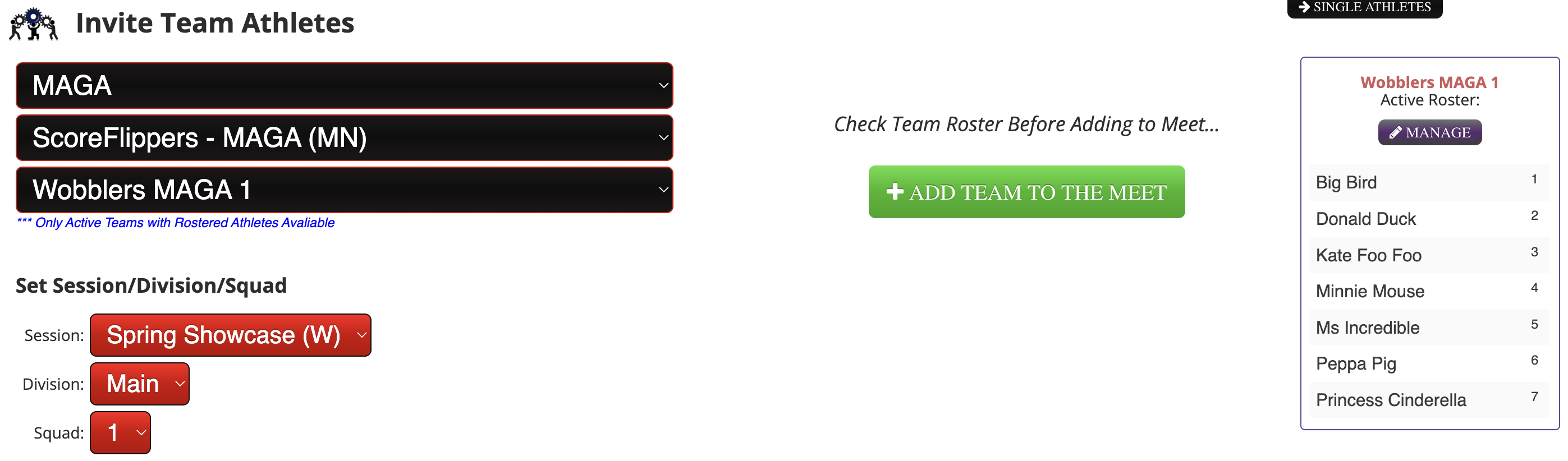
Step 4: In the second drop down, choose the Club you would like to invite, then choose the team you would like to invite and click ADD TEAM TO THE MEET.
**If you have more than one session. Make sure you click the correct session.
Continue until all teams are added to the meet.
Was this article helpful?
That’s Great!
Thank you for your feedback
Sorry! We couldn't be helpful
Thank you for your feedback
Feedback sent
We appreciate your effort and will try to fix the article