Creating a New Guardian Account
Step 1: Navigate to www.ScoreFlippers.com, Log in. If you do not have a log in Create a Free ScoreFlippers Account.
Step 2: On the top right, click on the 9 dots, click on CLASS.

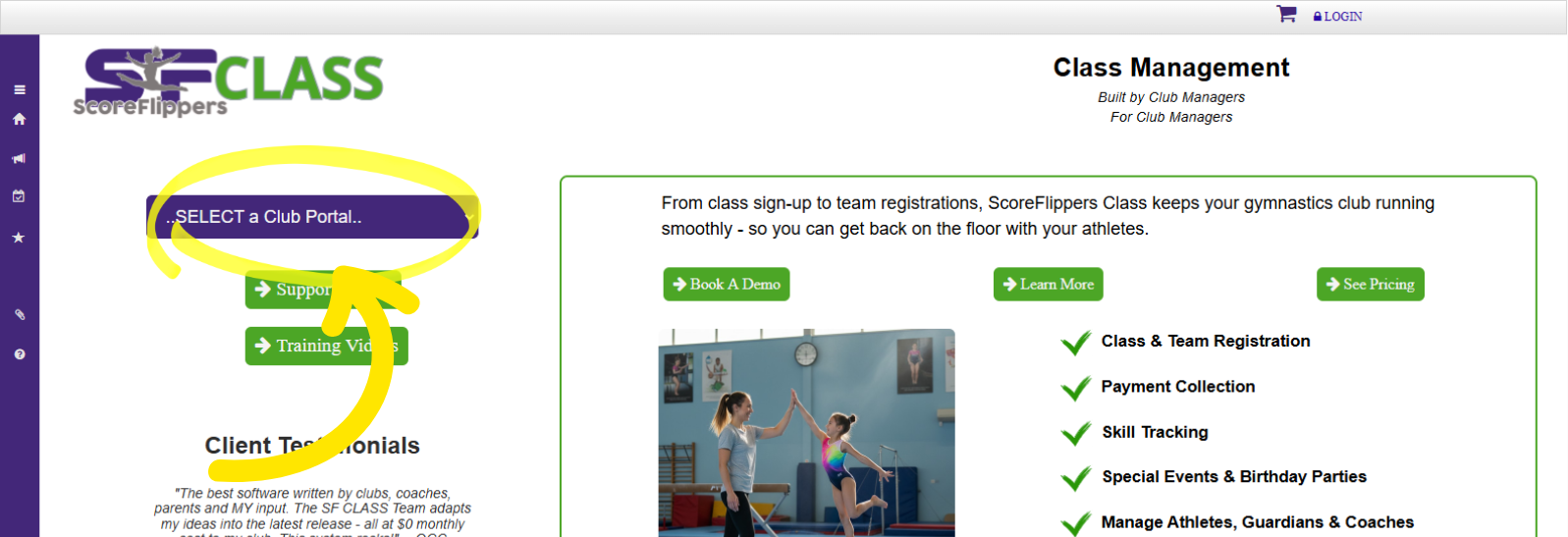
Step 3: Choose your gym from the dropdown menu
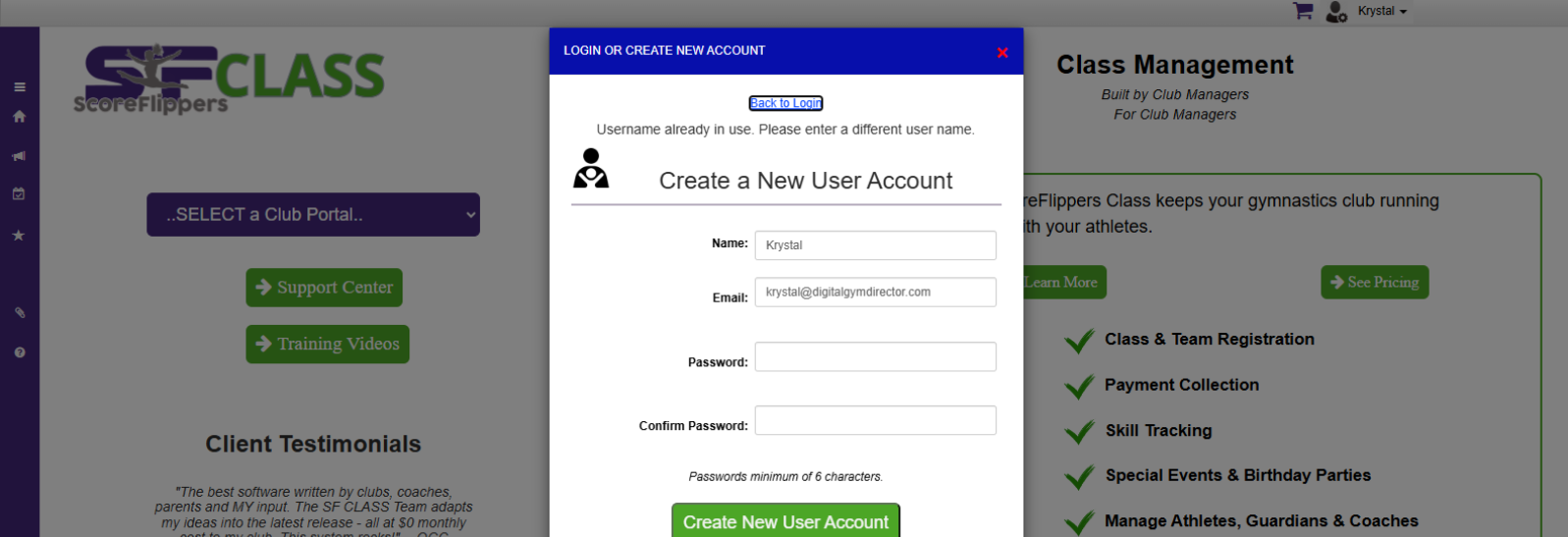
If you get a "Username Already in Use" error - Go back to login & use the Reset Password button.
Was this article helpful?
That’s Great!
Thank you for your feedback
Sorry! We couldn't be helpful
Thank you for your feedback
Feedback sent
We appreciate your effort and will try to fix the article