Step 1: go to scoreflippers.com and Login to your account.
Step 2: It should take you to this page: My Account
Step 3: On the menu find Account Services and click FINANCIAL.
Step 4: You can add or remove payment methods in the Wallet section.
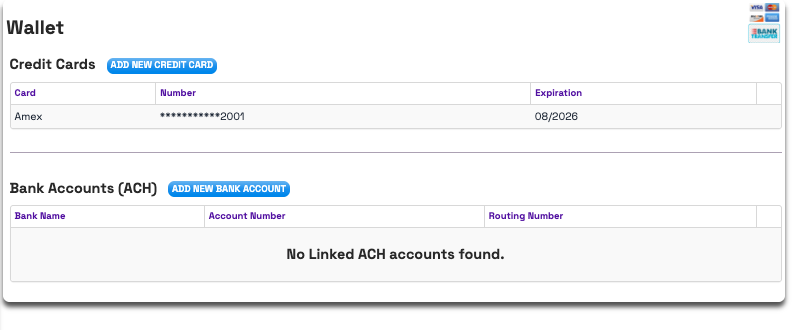
**Note: It is required to keep one payment method on file. In order to delete a payment method, you must add a new one.
Was this article helpful?
That’s Great!
Thank you for your feedback
Sorry! We couldn't be helpful
Thank you for your feedback
Feedback sent
We appreciate your effort and will try to fix the article