Make sure you are open to your EASY SCORING page:

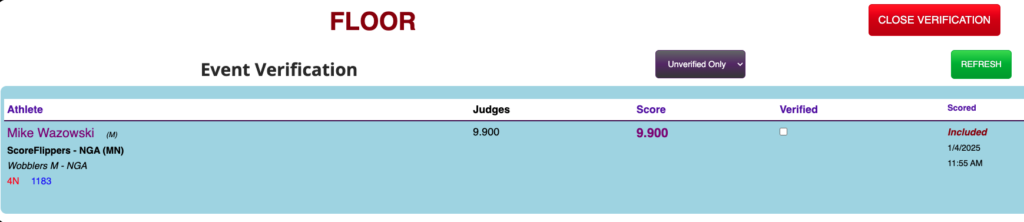
Step 1: If a score has been verified it must be “un-verified.” To do this click EVENT VERIFY. Change the purple drop down box to say "Verified Only". Find the athlete you want to change the score for and Make sure to un-check the box for that athlete. (close the verification screen)
Step 2: Next, you might realize your athlete is not on the drop down list. Find and click the ..All Athletes checkbox.
(note: as the athlete scores go in, they are removed from the drop down list, this is why you click ..All Athletes.)

Step 3: Now you can re-enter a score and click Submit again (this will override the score.)