Step 1: Within Bulk Edit Tools on the right side, choose your correct session. You will see where it says Target Squad this is where you will add your squads. Click the green ADD. 
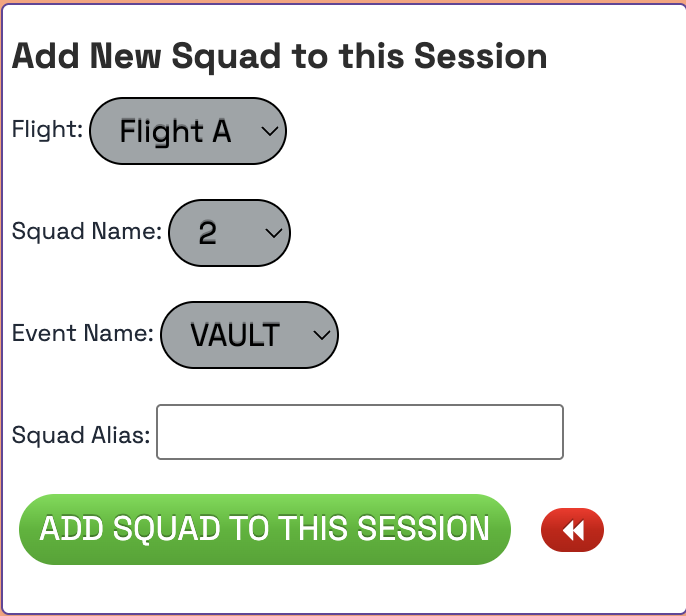
Step 2: Choose which Flight you would like, choose a squad name, choose the event, create a Squad Alias (if you choose). Click ADD SQUAD TO THIS SESSION.
You can also do this within the SESSIONS tab.
Step 1: Within Meet Control click on Sessions across the top of your screen.
Step 2: Click the red edit button for which session you would like to add the squads to. 
Step 3: Scroll down, you can now add a new squad by selecting a Squad Name, Event Name, Squad Alias (if you'd like), choosing a Flight. Click ADD SQUAD TO THIS SESSION.
Was this article helpful?
That’s Great!
Thank you for your feedback
Sorry! We couldn't be helpful
Thank you for your feedback
Feedback sent
We appreciate your effort and will try to fix the article