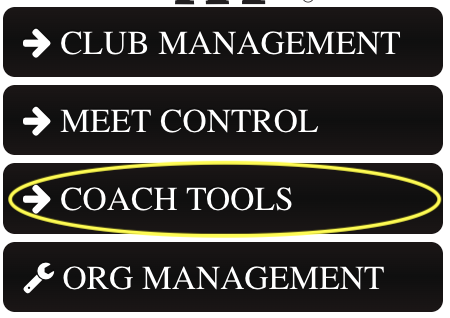
Step 1: DASHBOARD, then click COACH TOOLS
Step 2:
**For High School Meets – YOU ONLY HAVE 1 TEAM!! You do not have a JV team and a Varsity team, just ONE TEAM. The meet type will be created as a JV or a Varsity meet and that is how we will differentiate between the two.
This allows for the athlete crossover between both JV and Varsity.
At the top of your screen click COACH DASHBOARD. 
This screen will show you the total number of athletes you have had in your program and the total amount of meets you have been invited to.
This seasons meets will show at the bottom of your screen.

This will show all the athletes that are on your team right now. (If you do not see any athletes, please follow these directions How to Register a New Athlete / Existing Athlete).
If the athletes are listed under Club Free Agents - please assign them to your team.
Step 3: There are three ways to set your order. EVENT ORDER: DRAG-N-DROP, EVENT ORDER: BY # AND MEET EVENT ORDER. If you do not have very much variation in your VARSITY line up, our suggestion is to use EVENT ORDER: BY #. Otherwise our suggestion is to set your line up in MEET EVENT ORDER per meet you are invited to. This way you can set your Varsity line up and JV separately.
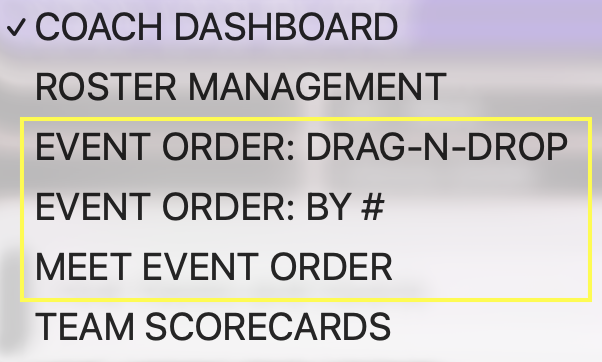
A.) This option only works on a computer (this will not work on an ipad or phone).
Select your event. Drag and drop the athlete you would like to compete.

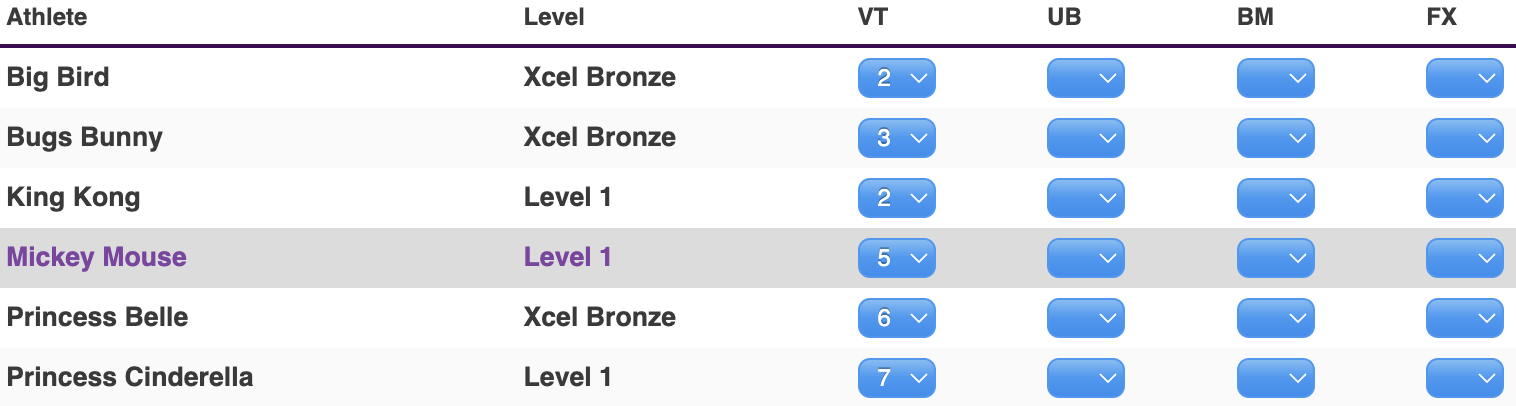
B.)

From this screen you can select your order per event. You can update future line-ups, reset and randomize the line up from here as well. Select the drop down to set what order you would like your athletes to compete it.
C.)

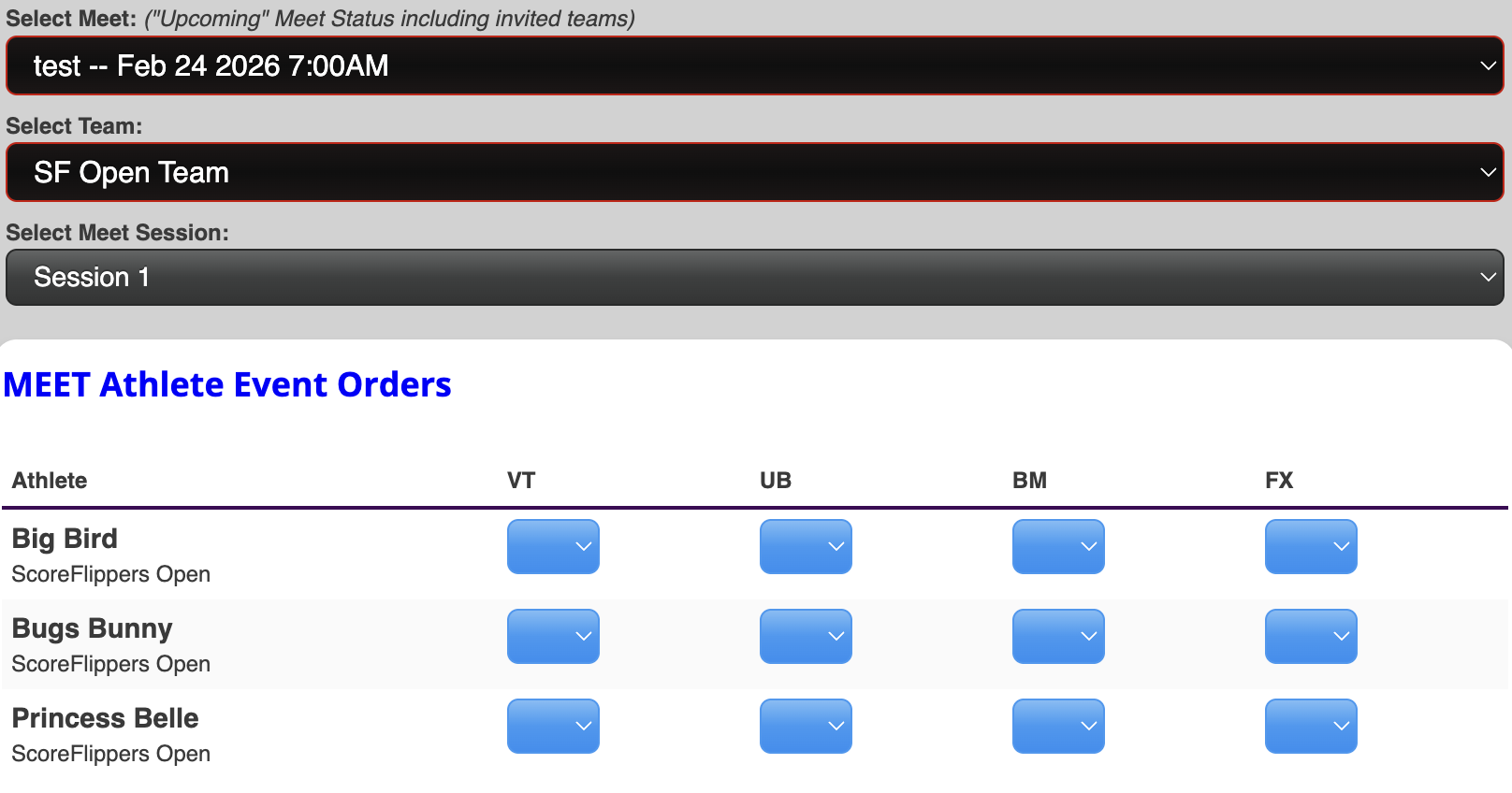
Our recommendation is to use this to set your order.
On this screen you will be able to select the meet you are invited to (as long as the meet is in upcoming status) and select the drop downs to make your oder.

From this screen you are able to print your own scorecards. This will not print specific league scorecards. These scorecards are ScoreFlippers brand.
WHAT DO I DO IF MY ORDER IS INCORRECT WHEN I GET TO THE MEET?
The host meet has the ability to refresh your athlete order from within the meet. They need to reference the ATHLETES page within the meet and click the Orange Re-Sync button to the left of your school name. This will pull whatever you have set under EVENT ORDER: BY #
Was this article helpful?
That’s Great!
Thank you for your feedback
Sorry! We couldn't be helpful
Thank you for your feedback
Feedback sent
We appreciate your effort and will try to fix the article