Step 1: Login, click on DASHBOARD, click on the correct association on the top left.
If you do not have a login, Create a Free ScoreFlippers Account.
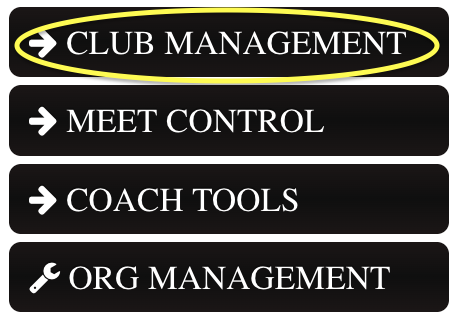
Step 2: Click on CLUB MANAGEMENT
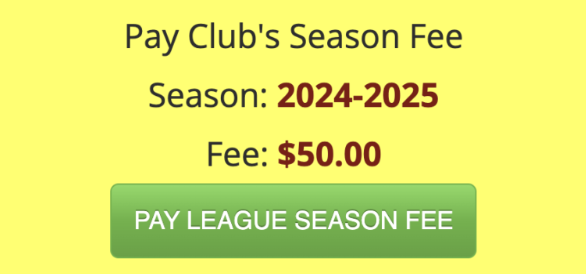
Step 3: Click the PAY LEAGUE SEASON FEE button
Step 4: Make sure your gym/the gym you want to pay for is selected in the drop down. Then find the current season and click PURCHASE.
Step 5: Follow the instructions to PROCESS PAYMENT.
**If you are not listed as a Club Manager you will not be able to do this. To become a Club Manager you can email us at flipdesk@scoreflipppers.com and let us know your name, email, what association and club you are with and we can add you. Or you can ask a current Club Manager to add you.
Was this article helpful?
That’s Great!
Thank you for your feedback
Sorry! We couldn't be helpful
Thank you for your feedback
Feedback sent
We appreciate your effort and will try to fix the article