Step 1: Go to scoreflippers.com. Login with your email address. The click the 9 dot menu and select SCORING.
Step 2: Click SCORE A MEET.
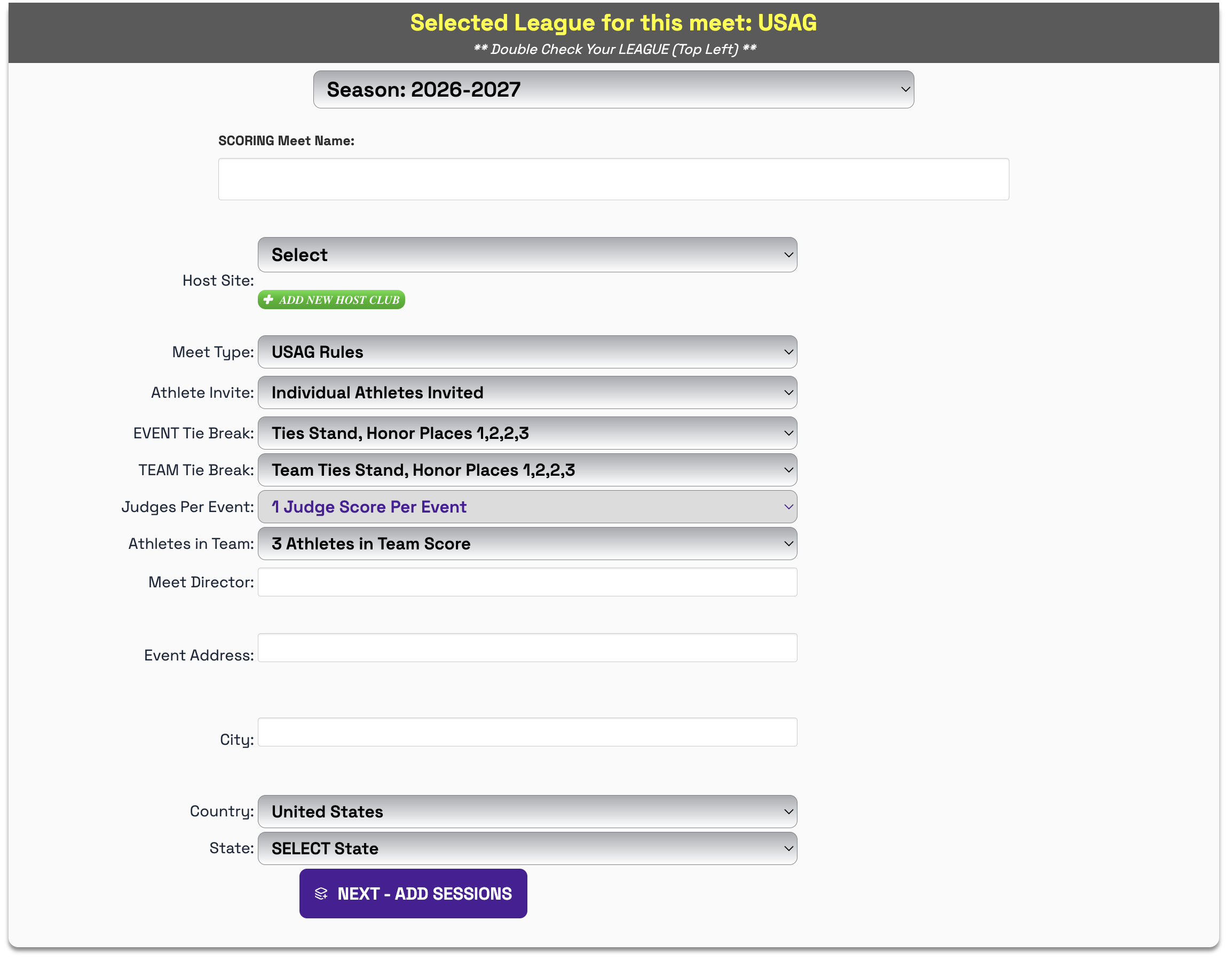
Step 3: Type in your meet name then populate the rest of the information. Click NEXT - ADD SESSIONS.
Step 4: One session is required to create the meet, you can add the other sessions later. Once you have filled in the session info, click ADD THIS SESSION TO THE MEET.
Step 5: Click FINISH CREATING THIS MEET.
Step 6: Your meet is created, you will have to open the meet in the SCORE CONTROL page.
Was this article helpful?
That’s Great!
Thank you for your feedback
Sorry! We couldn't be helpful
Thank you for your feedback
Feedback sent
We appreciate your effort and will try to fix the article