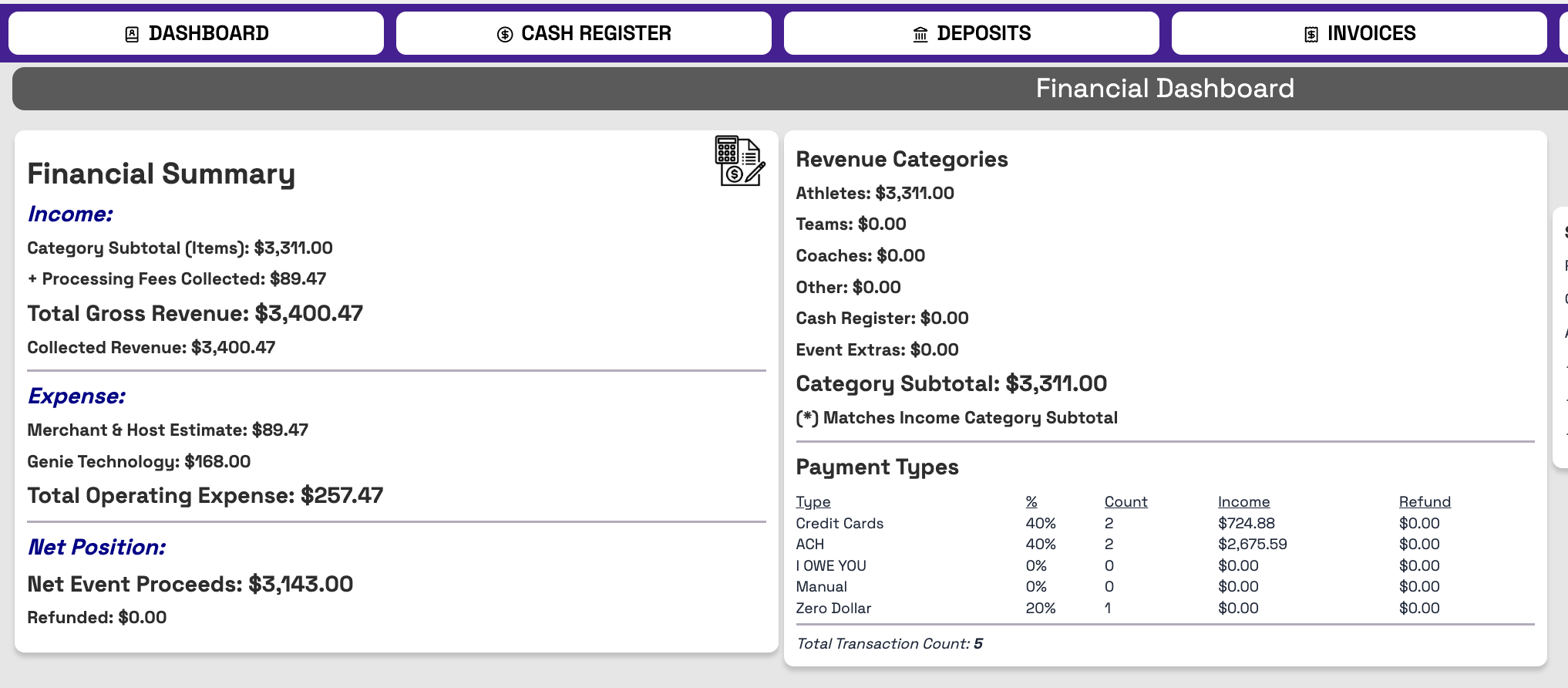
DASHBOARD - Overview of financials
CASH REGISTER
- Use the Cash Register to charge your customers for "non-registration" charges
DEPOSITS
- Overview of amount paid to you vs amount still owed to you
- HOW TO REQUEST MONEY?
- Go to this Dashboard page on your EVENT
- First make sure you click EDIT ACCOUNTS
- Click NEW & enter your bank information into the pop-up
- Click REQUEST EVENT MONEY
- You can request a custom amount or you can click the REQUEST AVAILABLE AMOUNT and we will send the amount of money that has cleared the bank, less the 10% hold that will come to you 10 days after your event ends.
INVOICES
- View all invoices on this page. You can click the + button to expand the information. Click the red PDF button for a downloadable receipt.
- Click the EDIT icon to make notes about that particular Invoice.
PENDING
- This view shows you what customers still have athletes in their cart that they have not yet paid for.
Was this article helpful?
That’s Great!
Thank you for your feedback
Sorry! We couldn't be helpful
Thank you for your feedback
Feedback sent
We appreciate your effort and will try to fix the article